
Find any Chrome tab in seconds.
Search open tabs by title, URL or domain and take action without leaving the keyboard.
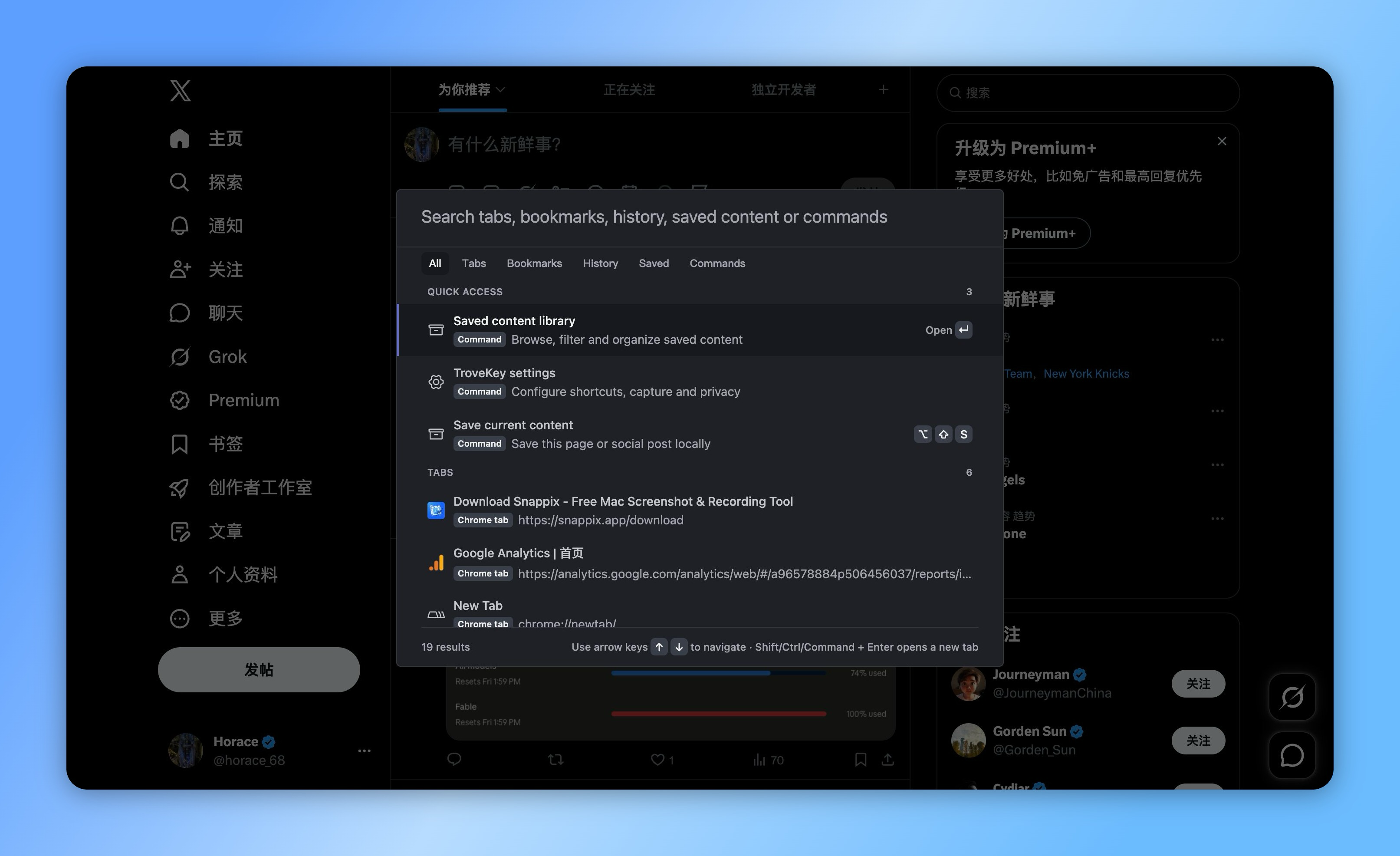
A faster way through tab overload.
Search across every open window
Switch, copy, pin or close tabs
Keep your current page and train of thought
TroveKey puts open tabs beside bookmarks, history and saved content, so the right result is available before you create another duplicate tab.
Search by title, URL or domain
Type the part you remember. TroveKey searches open tabs across Chrome windows and keeps the source visible in every result.
Switch, copy, pin or close
Open the selected tab, copy its URL, change its pinned state or close it without returning to the tab strip.
More than Chrome tab search
Chrome's native tab search focuses on open and recent tabs. TroveKey puts tabs beside bookmarks, history, saved content and browser commands in one field.
One global shortcut
Use Command/Ctrl + Shift + K to open the command palette from an ordinary webpage, then navigate and confirm from the keyboard.
How it works
Open TroveKey with Command/Ctrl + Shift + K.
Type what you remember or choose a command.
Press Enter to open, act or save.
Keep exploring TroveKey
FAQ
Find the tab before opening another one.
Install TroveKey and put every open Chrome window one shortcut away.