
Search and manage Chrome bookmarks without leaving the keyboard.
Find bookmarks by title, URL or domain, open them where you want and manage them from one command palette.
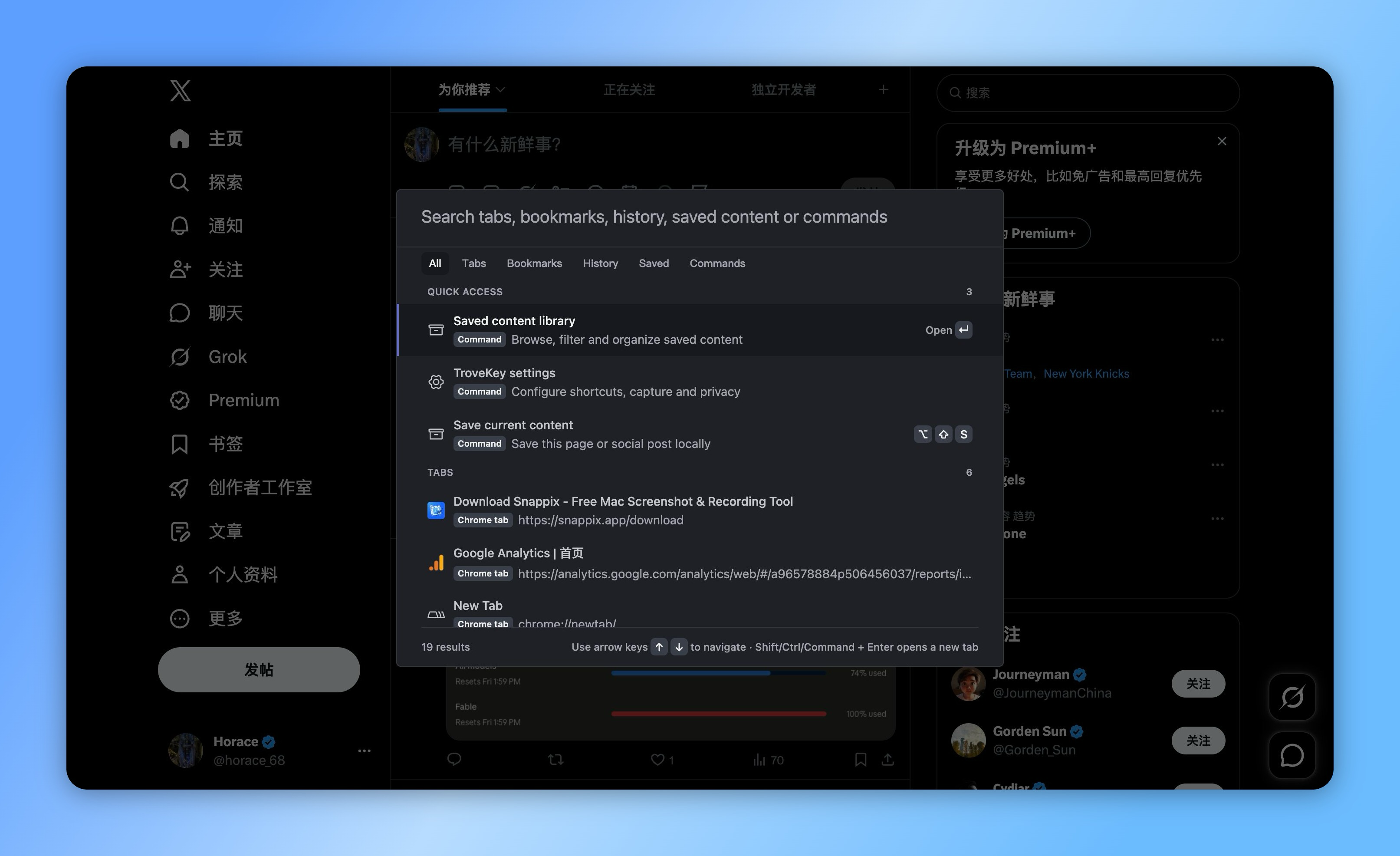
Chrome bookmarks, without the folder hunt.
Search Chrome bookmarks and recent items
Open in the current or a new tab
Create and remove bookmarks with clear feedback
TroveKey keeps native Chrome bookmarks intact while making them faster to search alongside tabs, history and locally saved posts.
Search native Chrome bookmarks
Find bookmark titles, URLs and domains without navigating folders or leaving the current page.
Open and manage from the keyboard
Open a result in the current or a new tab, create a bookmark for the current page, or remove a bookmark with visible feedback.
Bookmarks and saved content stay distinct
Chrome bookmarks remain native browser links. TroveKey's saved-content library stores readable text, tags, notes and capture status in local IndexedDB.
Local data you can export
TroveKey does not claim to be a cloud bookmark database. Local saved content can be exported as versioned JSON and validated before import.
How it works
Open TroveKey with Command/Ctrl + Shift + K.
Type what you remember or choose a command.
Press Enter to open, act or save.
Keep exploring TroveKey
FAQ
Keep Chrome bookmarks close to the work.
Search native bookmarks beside tabs, history and local saved content from one command palette.